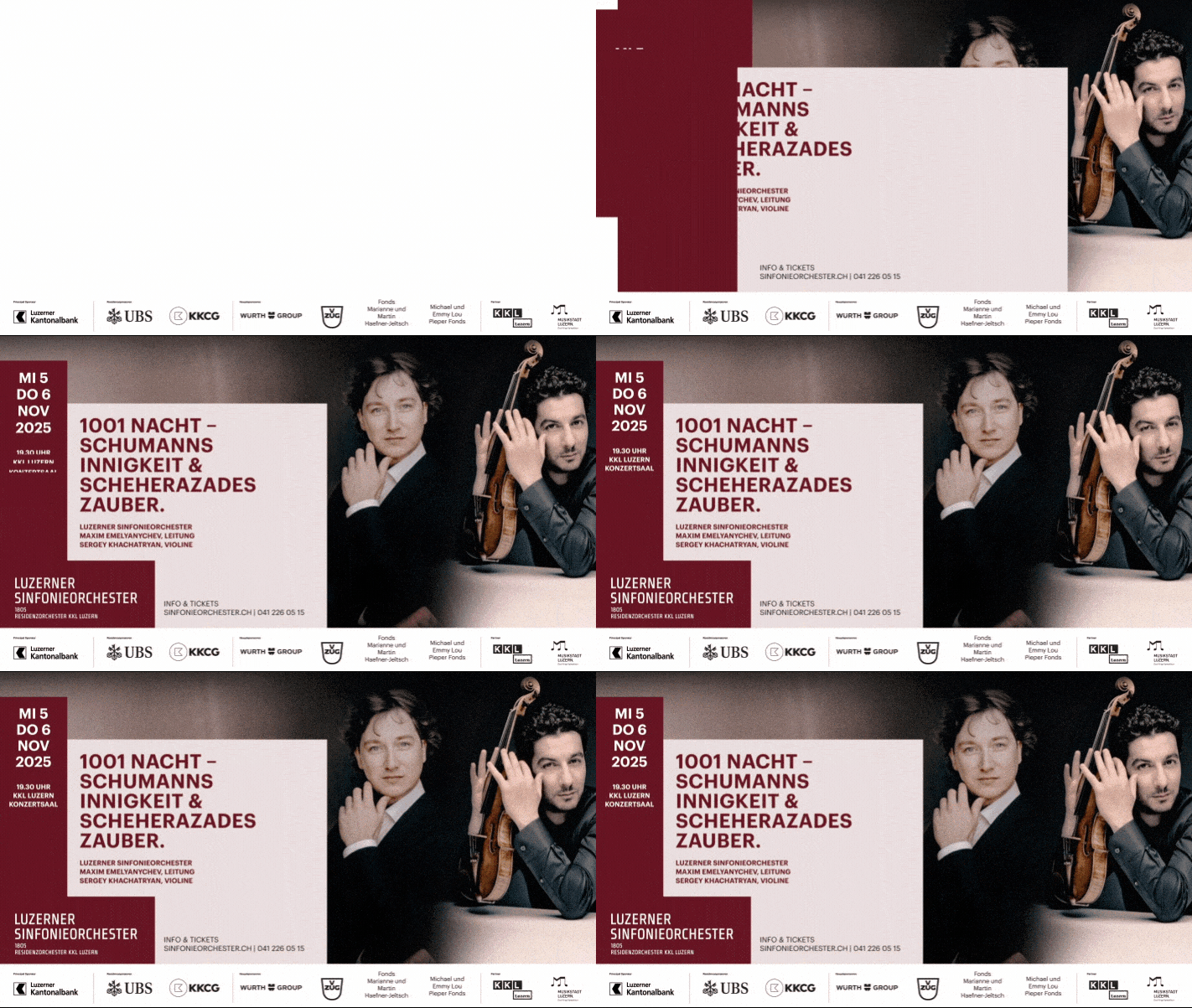
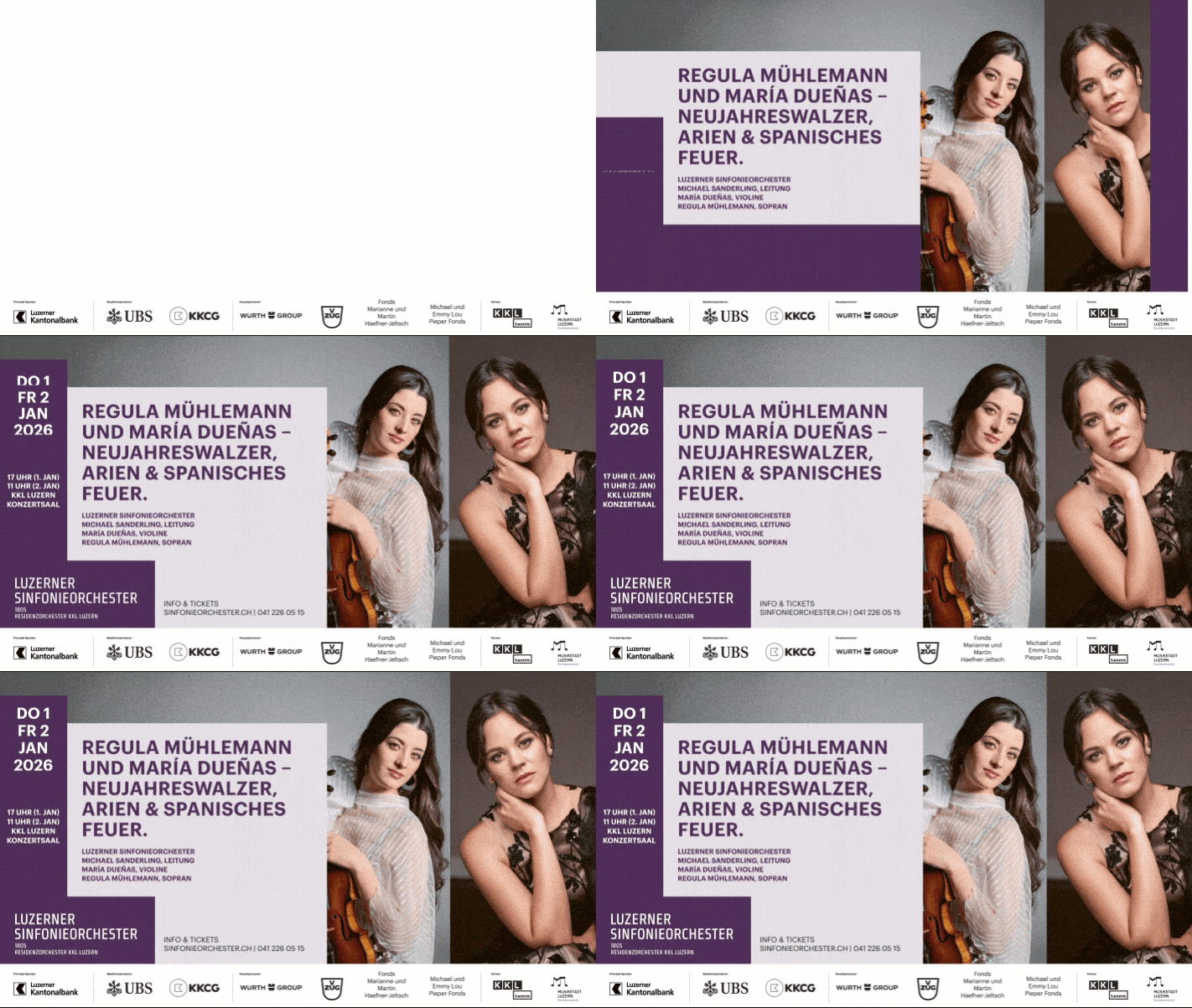
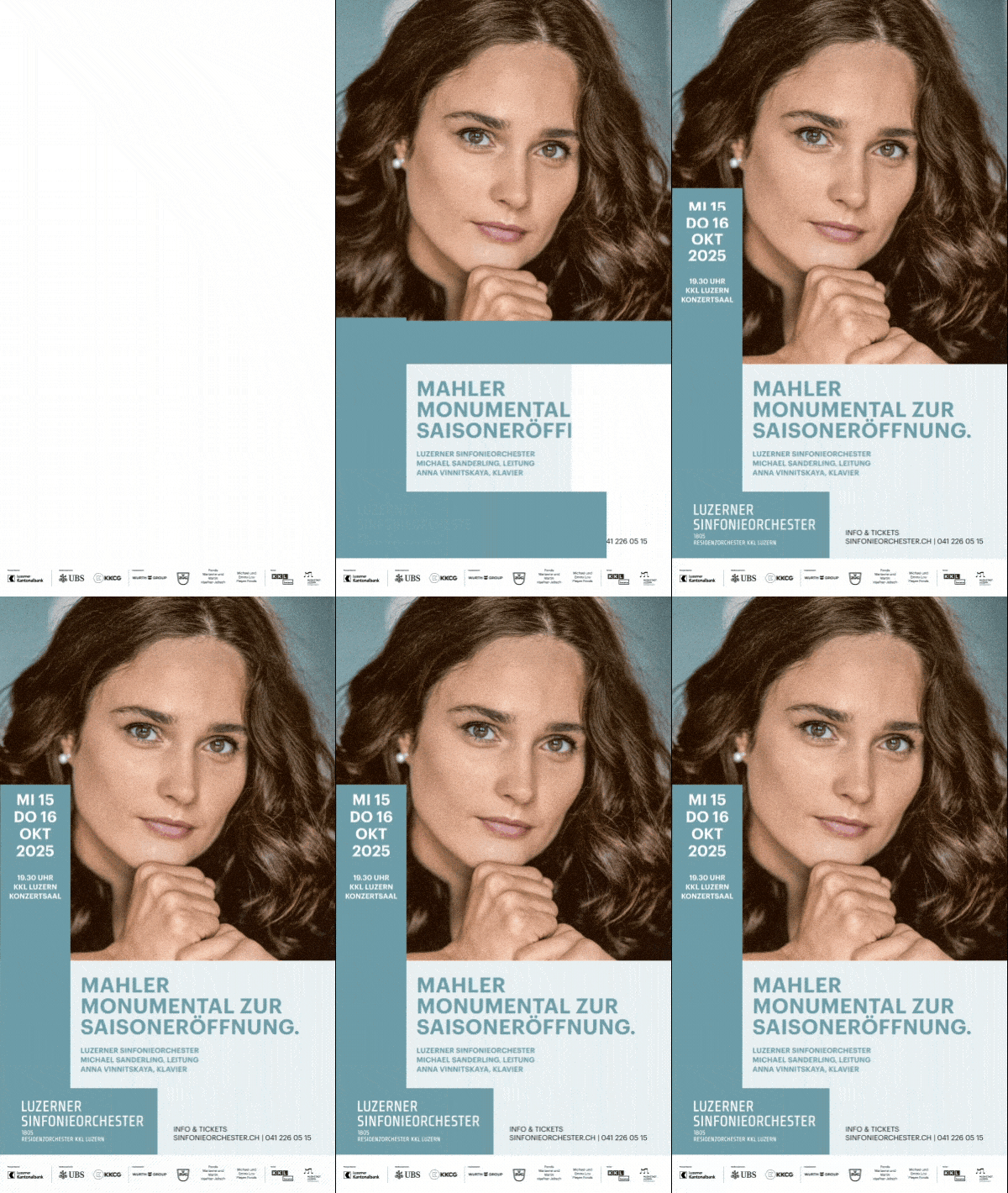
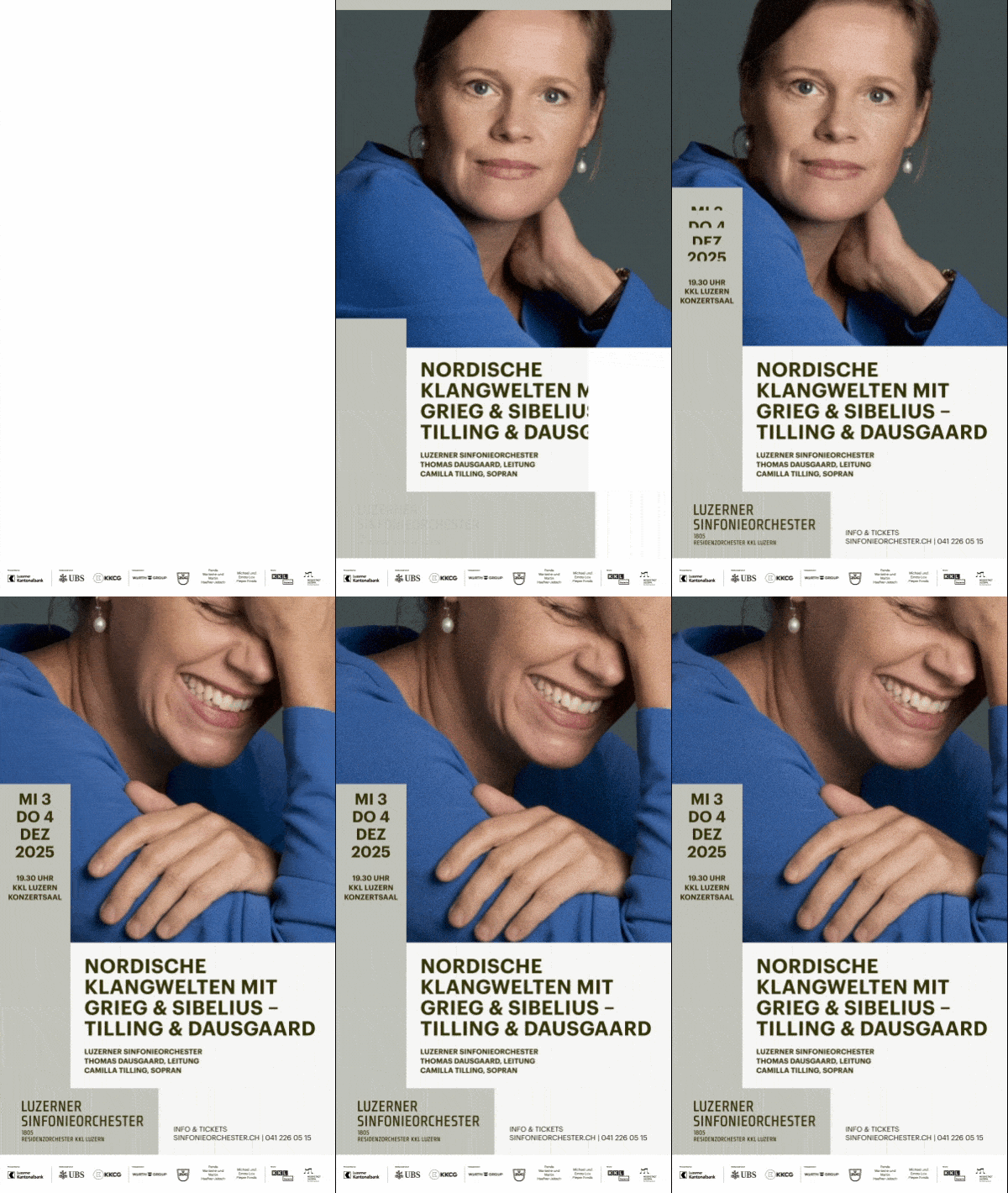
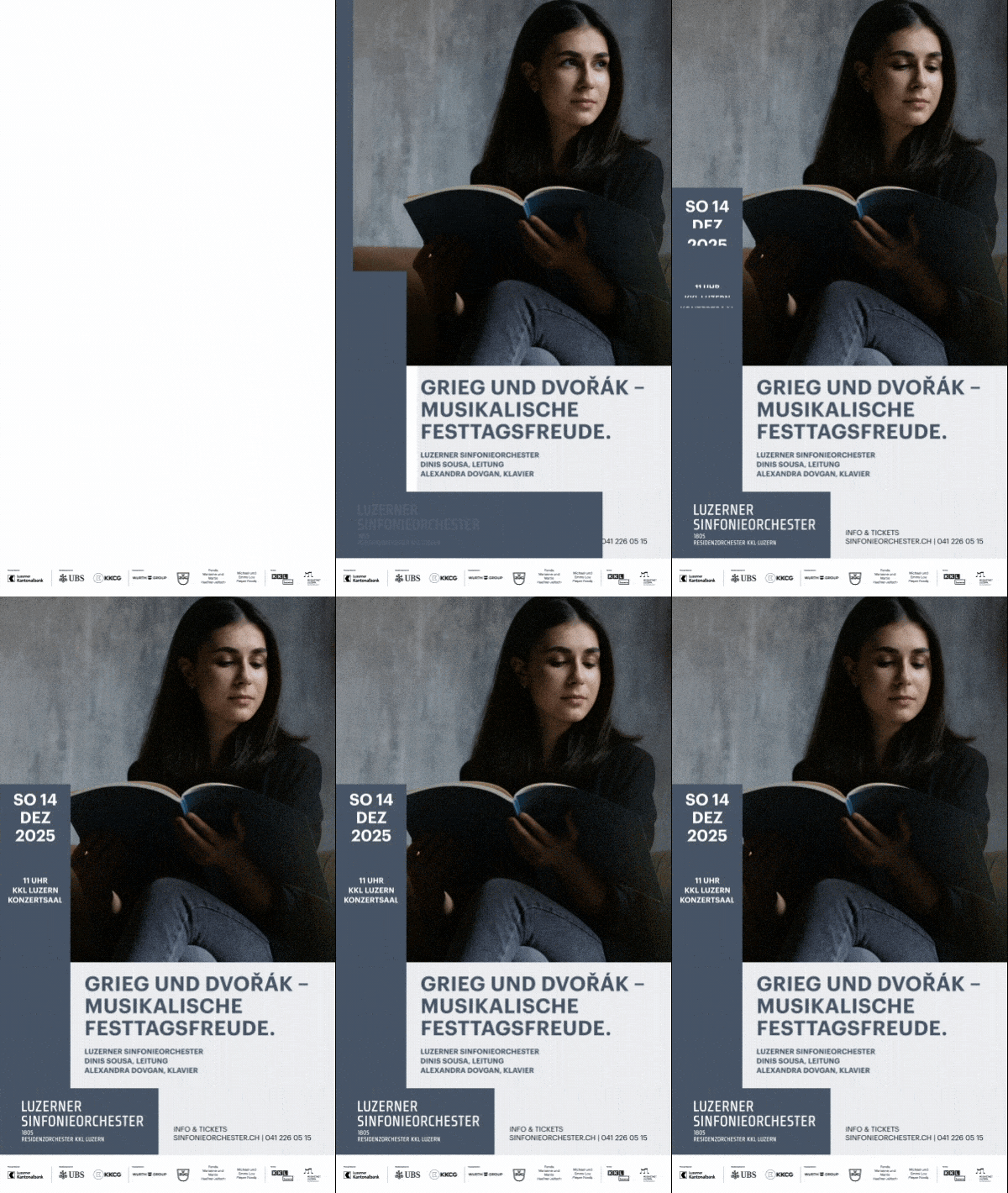
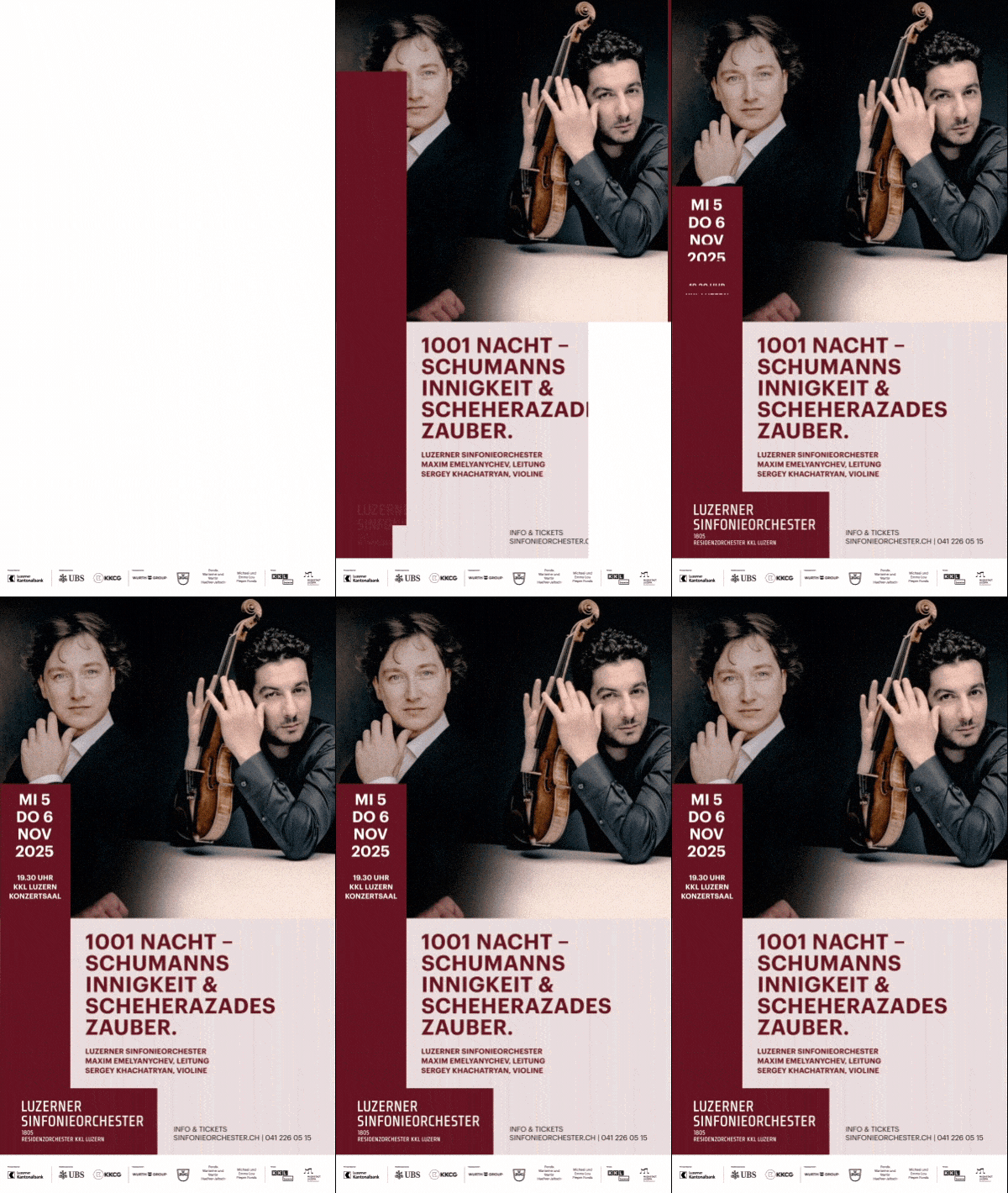
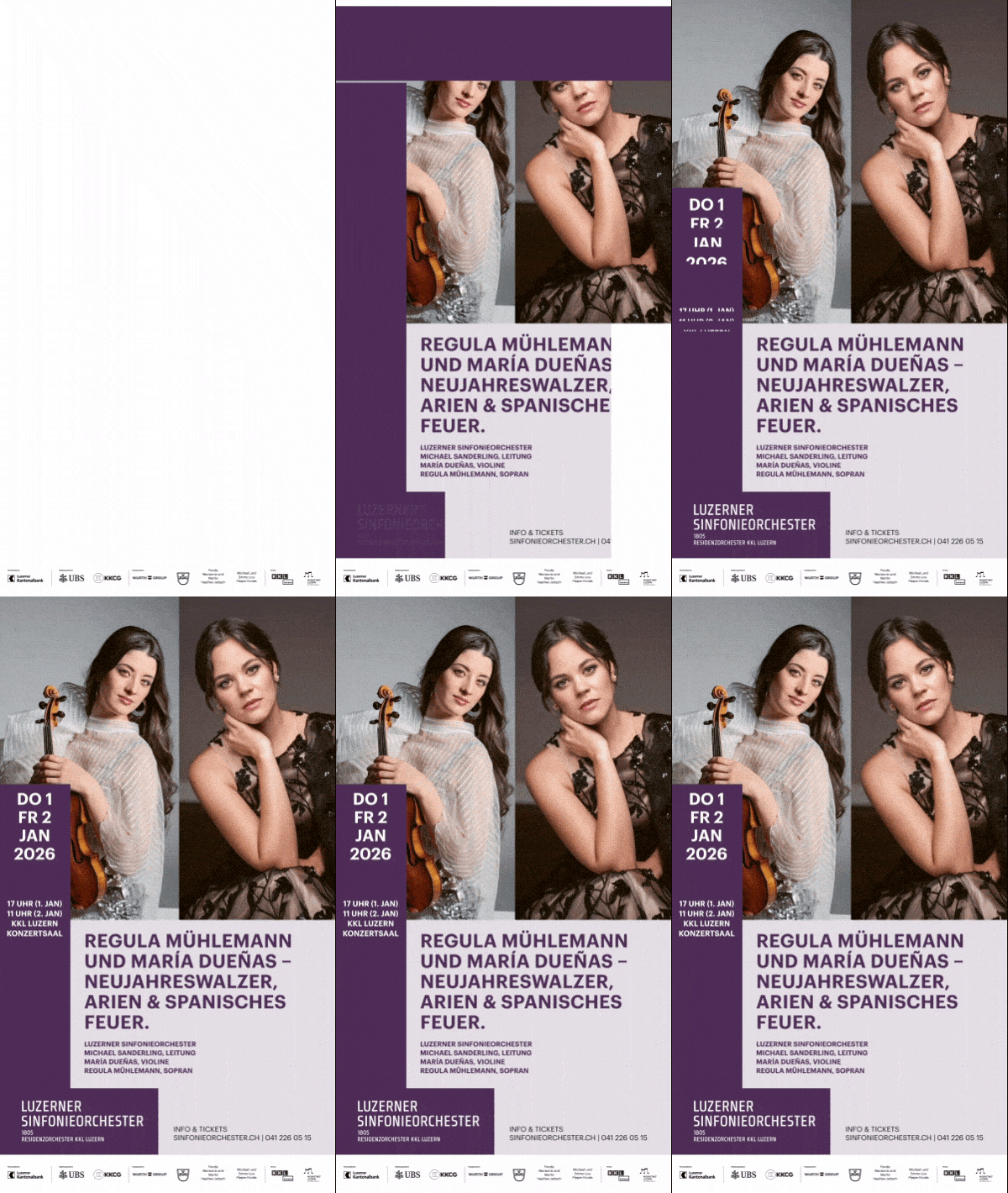
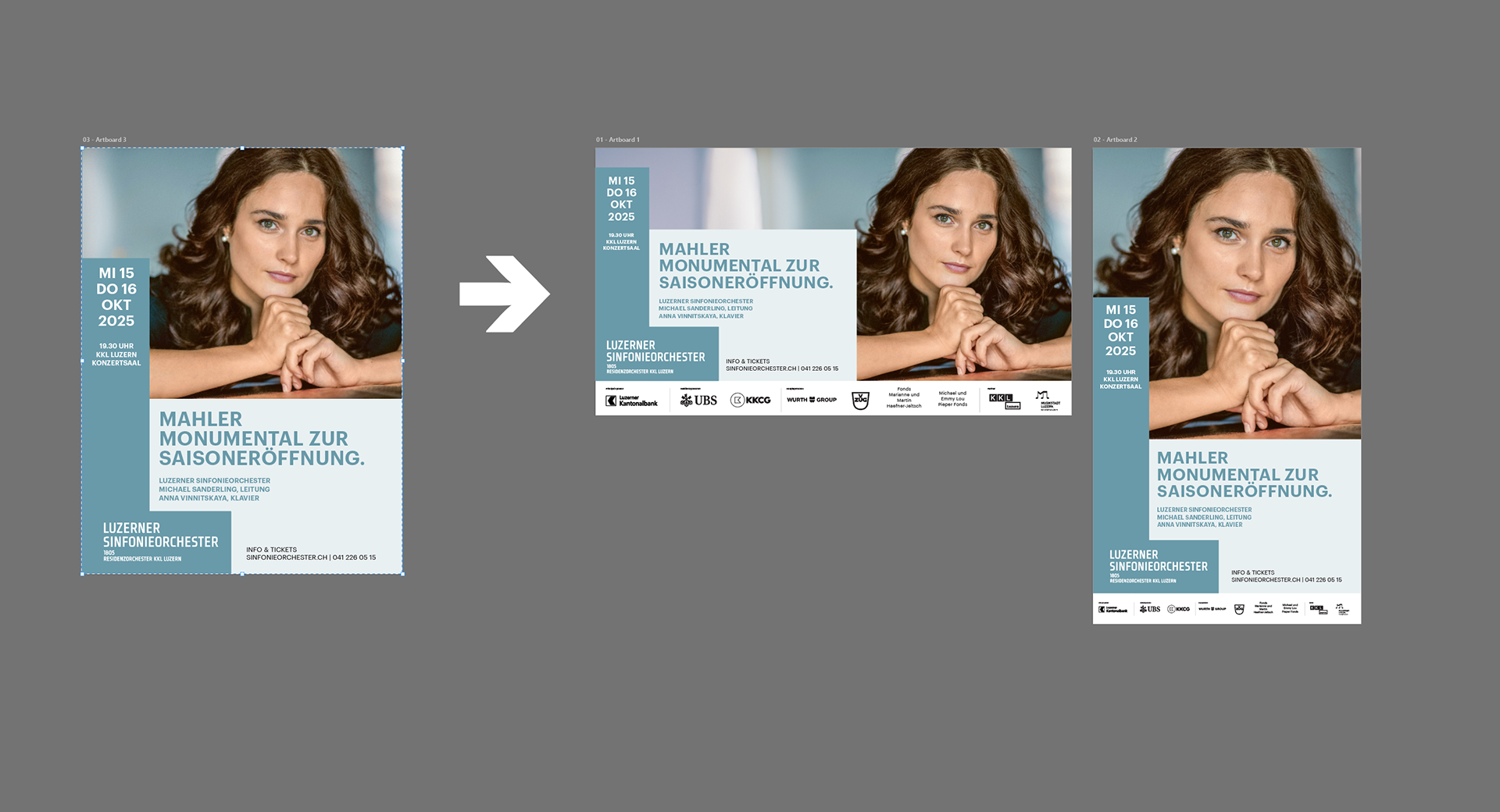
What I did
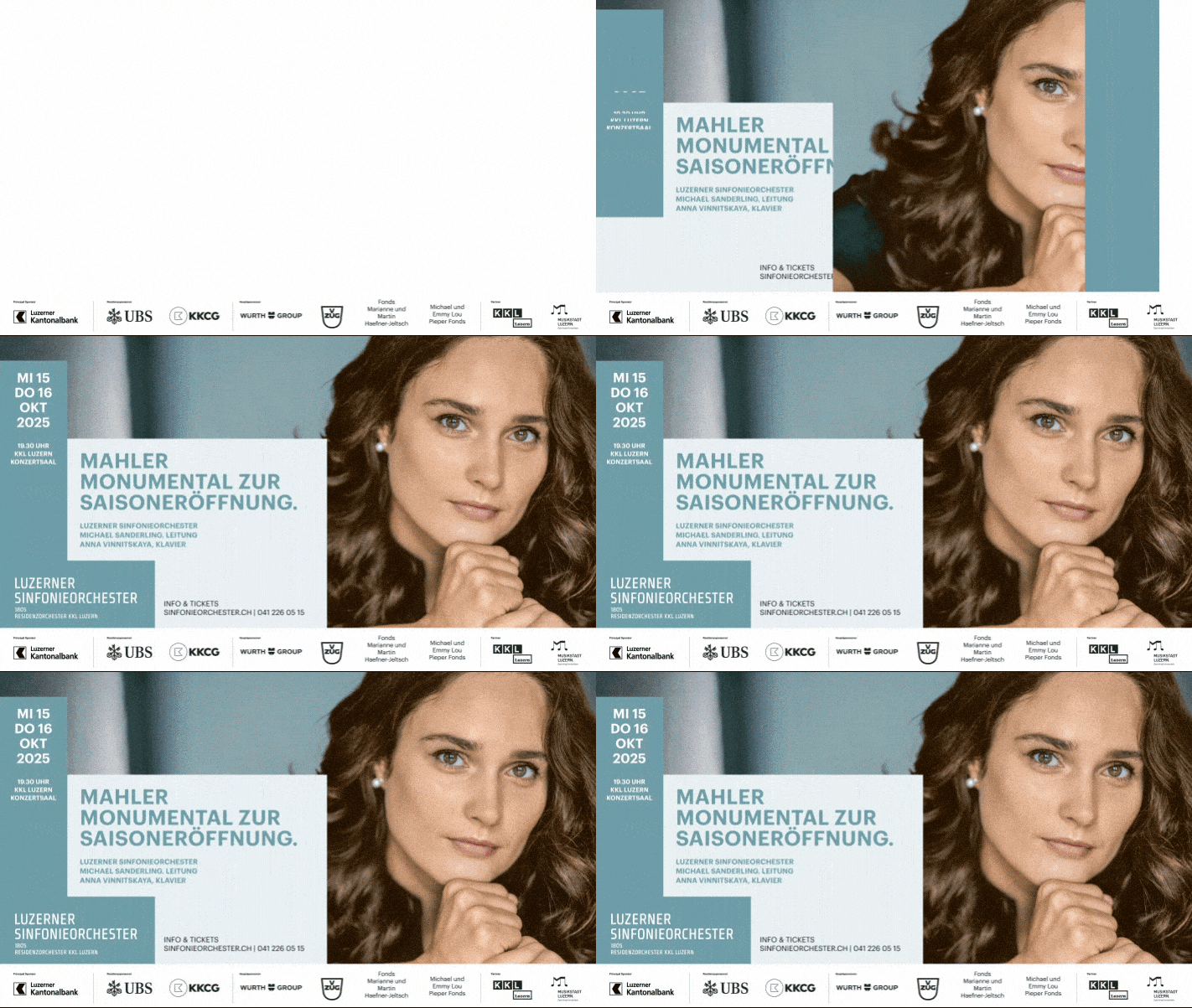
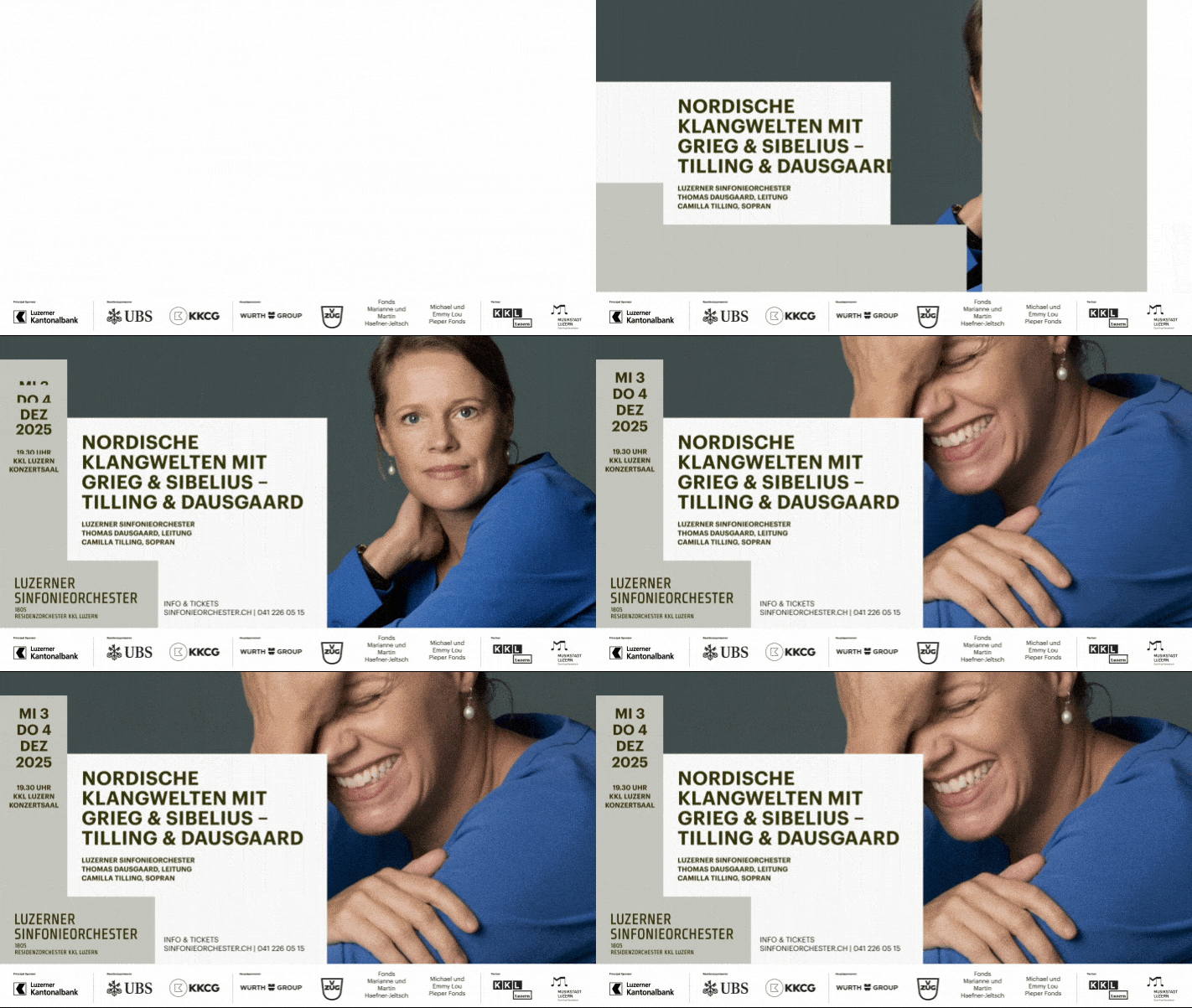
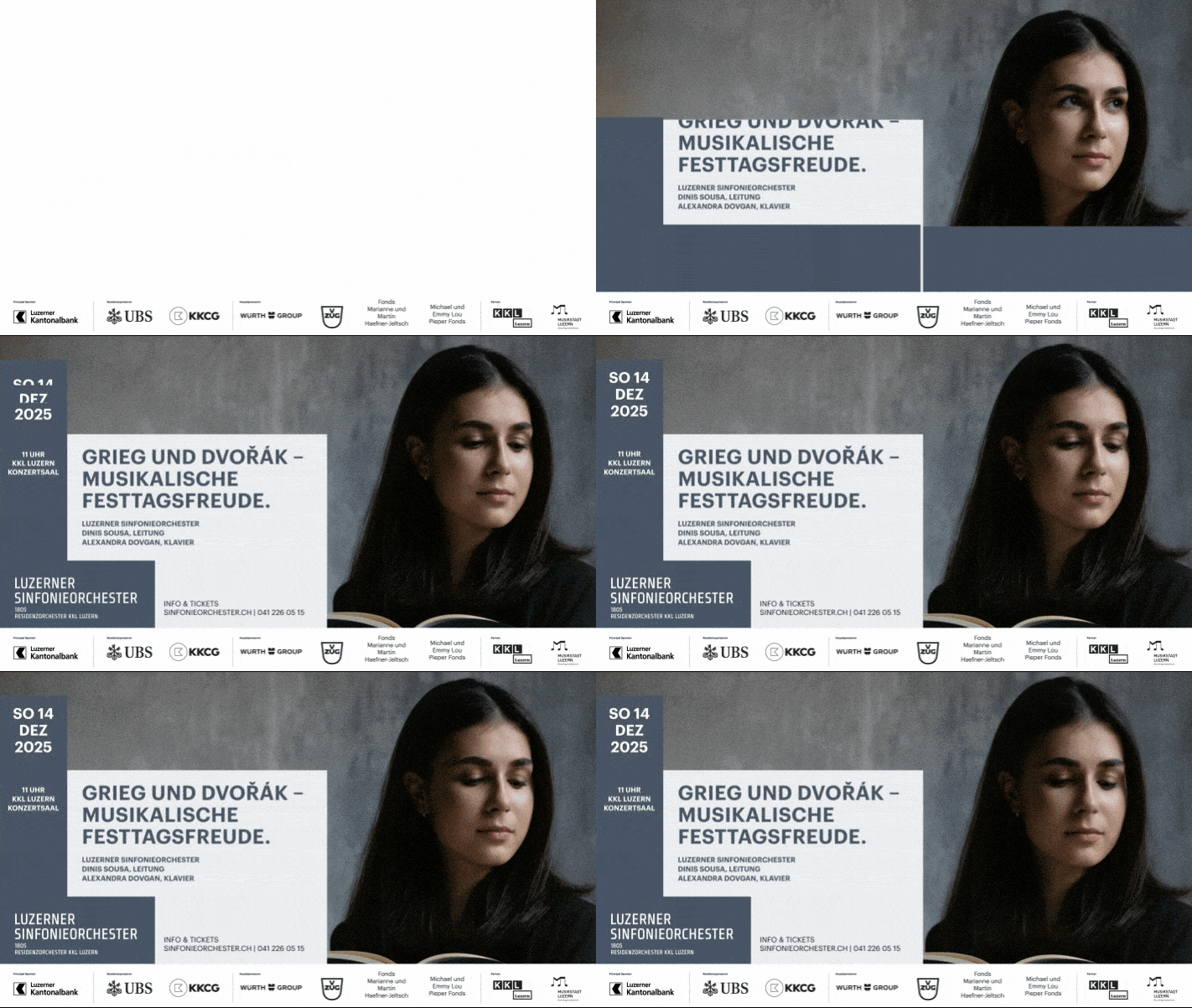
• Started from provided InDesign poster files and converted the layouts
into an AE-friendly workflow: InDesign → Illustrator → After Effects → Mp4
into an AE-friendly workflow: InDesign → Illustrator → After Effects → Mp4
• In Illustrator, adapted each poster from the original 3:4 layout
into 16:9 and 9:16 versions while preserving the design system.
into 16:9 and 9:16 versions while preserving the design system.
• Organized layers/assets and imported the structured files
into After Effects for clean, controllable animation.
into After Effects for clean, controllable animation.
• Created a subtle, high-end motion treatment (timeless, never gimmicky),
using the “L” element as the primary animated focus.
using the “L” element as the primary animated focus.
• Added photo depth using parallax in some posters and AI-animated image motion
in others—always kept discreet and supportive of the typography.
in others—always kept discreet and supportive of the typography.
• Preserved strict constraints: fixed color codes, original typography,
and a static sponsor/footer frame visible from second 1.
and a static sponsor/footer frame visible from second 1.
• Delivered 10-second MP4s in both formats for each poster + organized AE project files.
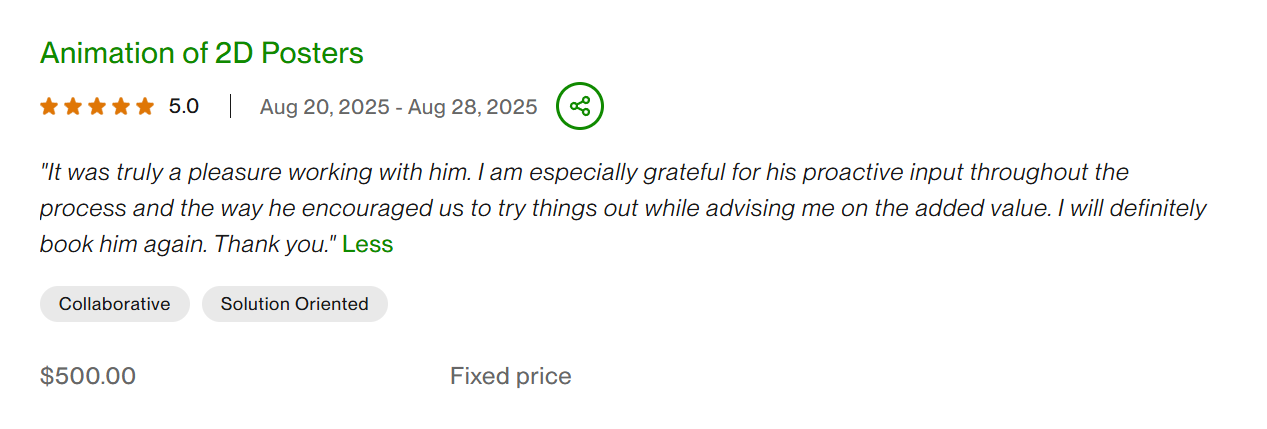
Outcome: Test batch delivered and approved; prepared for scaling to additional poster adaptations in the same system.
Facts: 5 posters • 2 formats (9:16 + 16:9) • ~10s each • InDesign →Illustrator → After Effects → Mp4 • strict brand constraints • subtle photo motion (parallax/AI)